
Auth0 Fission: Splitting a Tenant Without Nuclear Fallout
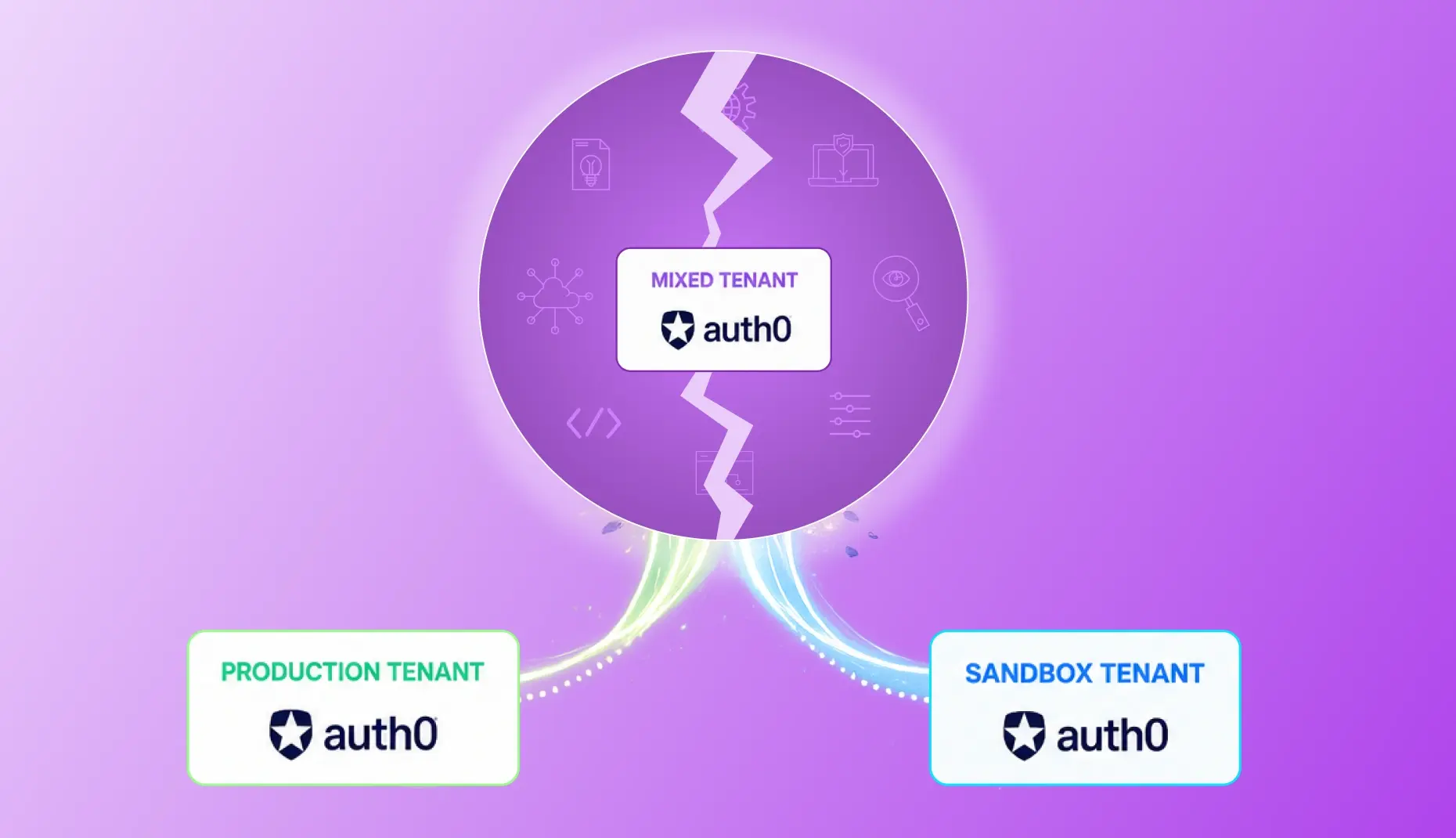
Auth0 is about as ubiquitous to the auth space as Coca-Cola is to fizzy drinks. For most people with a technical background, it is usually the first name that comes to mind for user management, authentication and authorisation. I only wish this were a sponsored post, because one of the few drawbacks of choosing Auth0 is that it is bloody expensive.
All of this to say that while Auth0 is fantastic at what it does, it’s no more immune from being wielded the wrong way than a blunderbuss is when handled by a Victorian child. If you manage an Auth0 tenant worth its salt, you need backup and recovery options in place. Otherwise, one rogue actor or catastrophic mistake could delete users, expose sensitive data and send your company into auth-induced armageddon.
Which brings me to the problem we found ourselves facing.
The Problem
We had been using Auth0 for over five years and relied on it for almost everything authentication-related. Customers used it to access the platform, staff used it for internal tools, and our services relied on machine-to-machine authentication to communicate securely. In short, our business could not function without it.
The issue was twofold:
- Production and sandbox resources all lived in the same tenant. Users, applications, logic — everything. Not ideal from either a security or operational standpoint.
- Almost none of the tenant configuration had been captured as Infrastructure-as-Code (e.g. in Terraform). Most of it had been managed manually through the Auth0 portal, meaning that if the tenant disappeared, so did the configuration. This also made changes to the tenant untraceable.
So we had to split the tenant into separate production and sandbox environments while also capturing the entire configuration in Terraform. The goal was a fully reproducible setup that could be redeployed quickly if the tenant was ever deleted or compromised, while also making future environment creation significantly easier.
The catch? The tenant contained roughly 600 Terraform resources and was referenced by 22 Git repositories after more than five years of enterprise use.
Exactly how we were going to pull this off was still unclear. What was non-negotiable, however, was this: we could not cause any production downtime.
No pressure.

If you are facing a similar Auth0 migration headache, hopefully this guide helps. If not, then at least enjoy the story.
Show Me the Terraform
As soon as we knew of the requirement to manage (and, as a side-effect, back up) the existing mixed tenant in Terraform, the first question that came to mind was:
How on earth are we going to write all of that Terraform code by hand?
Think of it as the equivalent of drawing the floor plans for the Empire State Building after it had already been built.
Luckily, there were some neat and unexpected sources of help here.

Luckily, there were some neat and unexpected sources of help here.
Auth0’s Terraform Export Tool
To complement its frontend management portal, Auth0 provides a handy CLI tool that you can use to manage your tenant and its resources via your terminal.
Crucially, it has a command that allows you to export the resources of a tenant to Terraform code:
auth0 tf generateCould this be our saviour?
Weeellll… not exactly.
Essentially, this command will give you some meat, but mostly scraps.
It will output the following, to quote the Terraform docs:
<code>auth0_main.tf</code> – Establishes the Auth0 Terraform provider with specific versions for auto-generating config.
auth0_import.tf – Contains all resources’ import blocks, including names and IDs.
terraform – A local Terraform binary instance for auto-generation, pinned to a specific version.
auth0_generated.tf – The final Terraform resource artefact representing your Auth0 tenant.
In short, this gives you some Terraform resource blocks representing parts of the tenant, but not nearly enough.
However, not all hope was lost.
Terraform itself has a command that can generate far more resource blocks for us using the outputs from auth0 tf generate as input.

From water to wine, from import blocks to resource blocks
So to recap, we had:
- A bunch of
importblocks inauth0_import.tf - Some
resourceblocks inauth0_generated.tf—we won’t be using these
But we were still well short of having enough Terraform to make the setup truly reproducible.
Enter:
terraform plan-generate-config-out=generated_resources.tf
If you run this command in the same directory as the .tf files generated by Auth0, Terraform will transform the import blocks in auth0_import.tf into fully fleshed-out (if anything, too fleshed-out) resource blocks. This output file should contain all of the resources you need to replicate your tenant.
We can actually deploy these.
All you need to do is provide an output filename. In the example above, we set it to generated_resources.tf.
Deploying one resource at a time
From the previous step, we ended up with a massive file of generated Terraform resources in generated_resources.tf.
To ensure we did not accidentally override or break anything in the mixed production/sandbox tenant, we commented out the entire file initially.
We then:
- Grouped resources by type (
auth0_client,auth0_resource_server, etc.) - Uncommented one group at a time
- Imported existing resources into Terraform state
- Applied changes incrementally
Because all of these resources already existed in the tenant, we had to include an import block above each resource.

This told Terraform:
“Do not create a new resource — associate this Terraform resource with the existing Auth0 entity instead.”
import {
  id="your-client-id-here"
  to= auth0_client.example
}
resource"auth0_client" "example" {
  name="My Example Application"
  description="Example Auth0 client for demos"
  app_type="regular_web"
  is_first_party=true
  callbacks= ["<https://example.com/callback>"]
  allowed_logout_urls= ["<https://example.com/logout>"]
  grant_types= ["authorization_code","refresh_token"]
  ...
}
Stick to the (Terraform) plan!
It was paramount that we checked the terraform plan output very closely on each deployment to the mixed tenant.
If there was any difference between the Terraform code and what already existed in the tenant, we knew we had more adjustments to make on the Terraform side.
Once terraform plan showed no changes, we knew it was safe to deploy.
We repeated this process for:
- Every resource group
- Both sandbox and production resources
Eventually, we were confident that we had the entire mixed tenant mapped in Terraform and could begin the splitting process.

Bonus: Cleaning up with modules
Now that we had the entire mixed tenant mapped in Terraform (and deployed without inducing nuclear fallout), we decided to get fancy and modularise the different Auth0 resource groups.
Whether this is worth doing depends on your setup, but here is the rough idea.
The Auth0 Terraform provider supports many resource types:
auth0_clientauth0_resource_serverauth0_action- etc.
We used a lot of them, so it was worth tidying things up by creating a module for each resource group.
For example, a generic auth0_client module could look like this, bundling several resources necessary for client deployment into one:
terraform {
  required_providers {
    auth0 = {
      source  = "auth0/auth0"
      version = "~>1.33.0"
    }
  }
}

resource "auth0_client" "application" {
  allowed_origins = var.application_allowed_origins
  allowed_logout_urls = var.application_allowed_logout_urls
  app_type = var.application_app_type
  callbacks = var.application_callbacks
  ...
}

resource "auth0_client_credentials" "application" {
  client_id = auth0_client.application.client_id
}

resource "auth0_client_grant" "client_grant" {
  for_each = { for idx, grant in var.application_client_grants : idx => grant }

  client_id              = auth0_client.application.id
  audience               = each.value.audience
  scopes                 = each.value.scopes
  organization_usage     = try(each.value.organization_usage, null)
  allow_any_organization = try(each.value.allow_any_organization, null)
}
Then instantiate it per application like this:
module "example_application" {
	source= "../../modules/application"
  application_client_name = local.applications_prod.example_application.name
  application_app_type = local.applications_prod.example_application.app_type
  application_client_grants = local.applications_prod.example_application.client_grants
  ...
}
NB: You will need to add
movedblocks above the module instantiation if the resource had already been deployed from another location.
Splitting the atom tenant
Now that we had the entire mixed production/sandbox tenant captured in Terraform code, we could begin splitting it into two separate tenants.
The strategy was simple:
- Keep production resources in the existing tenant (to avoid downtime)
- Create a brand-new tenant for sandbox resources
Create the new sandbox tenant
You cannot create a new tenant purely by deploying an auth0_tenant resource from Terraform.
It has to be created manually through the Auth0 portal first.
So we:
- Created a new tenant manually
- Configured it as a
stagingtenant - Added any manually managed integrations (such as email providers)
- Began referencing those resources in Terraform
Capture the sandbox tenant in Terraform
Because we had already mapped the mixed tenant in Terraform, we already had the sandbox resources codified.
That meant all we had to do was:
- Copy the sandbox resource modules
- Paste them into the new sandbox area of the Terraform project
- Deploy each resource group to the new tenant via
terraform apply
Cleanup: Remove sandbox resources from the mixed tenant
Once the new sandbox tenant was fully operational, there was no longer any reason to keep duplicate sandbox resources inside the mixed tenant (which would now become production-only).
We performed this cleanup later, after switching all sandbox deployments over to the new tenant.
Be careful here: Double-check that nothing is still connected to those resources before deleting them.
The Big Day — Switching 22 repositories at once
Now that both tenants were fully defined in Terraform and deployed to Auth0, it was time to update all repositories that previously used the mixed tenant for both production and sandbox deployments.
Sandbox deployments would now point to the new sandbox tenant, production deployments would continue to point to the production (formerly mixed) tenant.
To avoid failures between dependent repositories, these changes had to be deployed across all repositories at the same time.
In practice, this meant updating every variable that referenced the mixed tenant’s:
- Client ID
- Client Secret
…so that sandbox deployments pointed to the new sandbox tenant instead.
Importantly:
- Production configuration remained unchanged
- Only sandbox configuration was updated
I had anticipated this moment with a mix of anxiety and excitement since the start of the five-week project. In the end, though, it was hilariously anticlimactic. The team mobbed together and switched every repository by lunchtime — without a single hitch.
With that, our work was done.
The monstrous, monolithic mixed tenant had not only been split into two, but also immortalised in a maintainable, reproducible, “backupable” Terraform configuration. Provisioning future tenants would now be straightforward rather than terrifying. Perhaps, most importantly, now any changes to the tenant could be captured in version control, as they would all happen via Terraform code changes.
